Every spot filled, 
every project staffed.

The Service Collective

Every spot filled, every project staffed.

Every spot filled, 
every project staffed.
Back to work

Every spot filled, every project staffed.

How we designed and built a complete volunteer management platform for a Brooklyn nonprofit, from brief to production in six weeks.

IndustryVOLUNTEERING
Timeline6 weeks
Platform4 apps
SEE THE WEBSITE

Off-the-shelf tools weren't built for this.

6
weeks
4
apps
100+
features
FactorThis sprintThe old way
RegistrationOne flow for the whole family, with waitlists that run themselvesConfused families; UX handled as an afterthought
DonationsWoven into signup, once or monthly, receipts automaticSat off to the side, disconnected from volunteering
ApplicationsInside the platform, tied to every volunteer profileGoogle Forms, disconnected from everything else
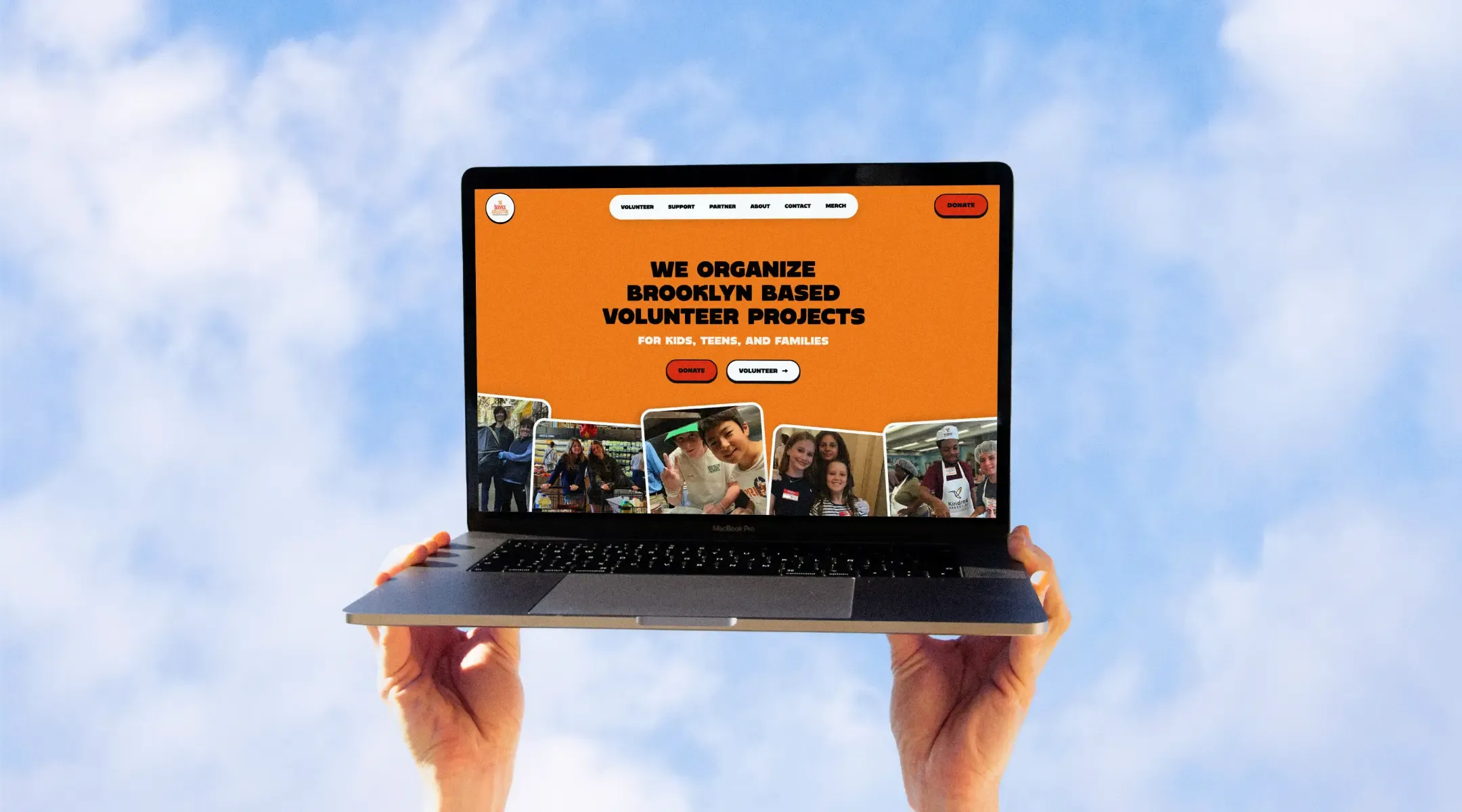
The websiteStaff edit every page, section, and color from the CMSThe brand stuck inside someone else's template
TSC Cards
TSC Event Waiver Registration
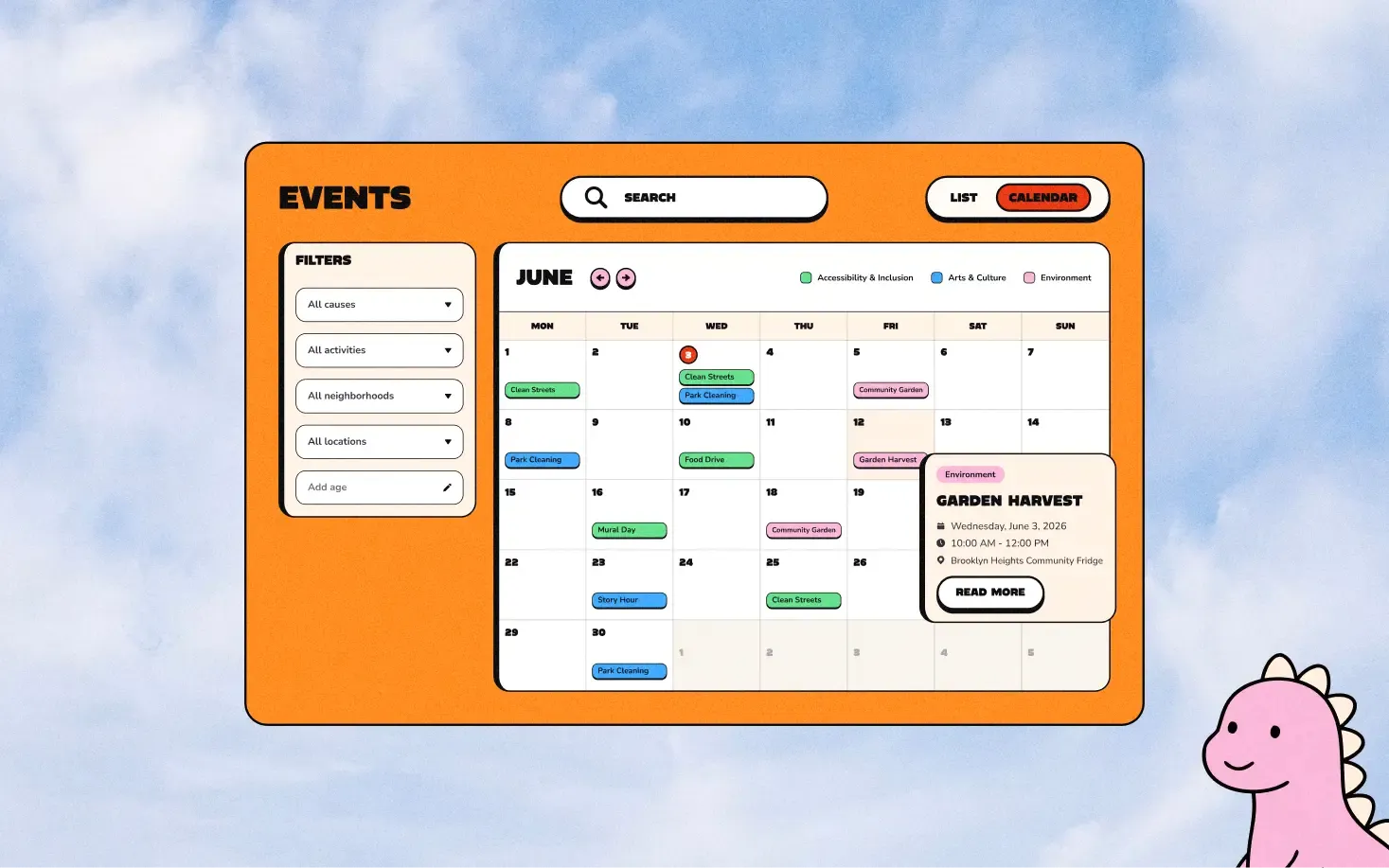
TSC Events Mockup
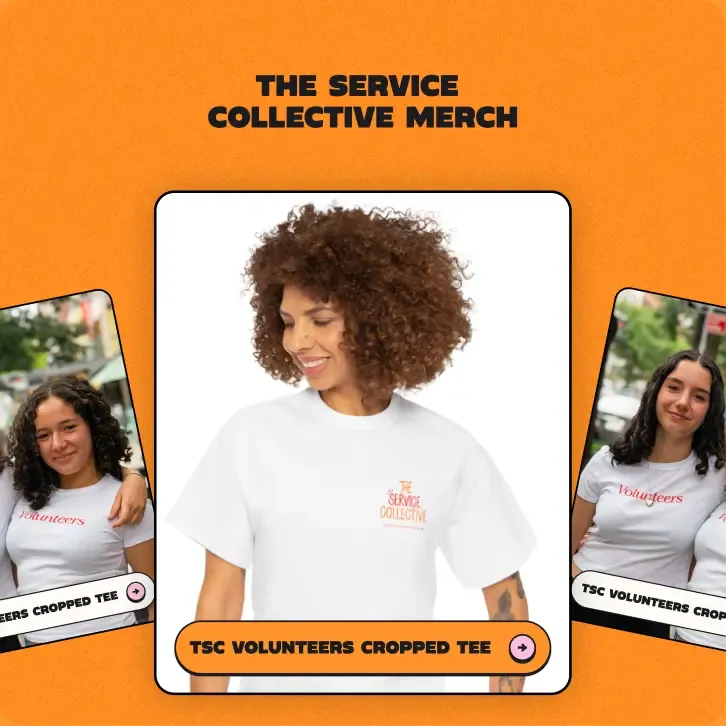
TSC Merch
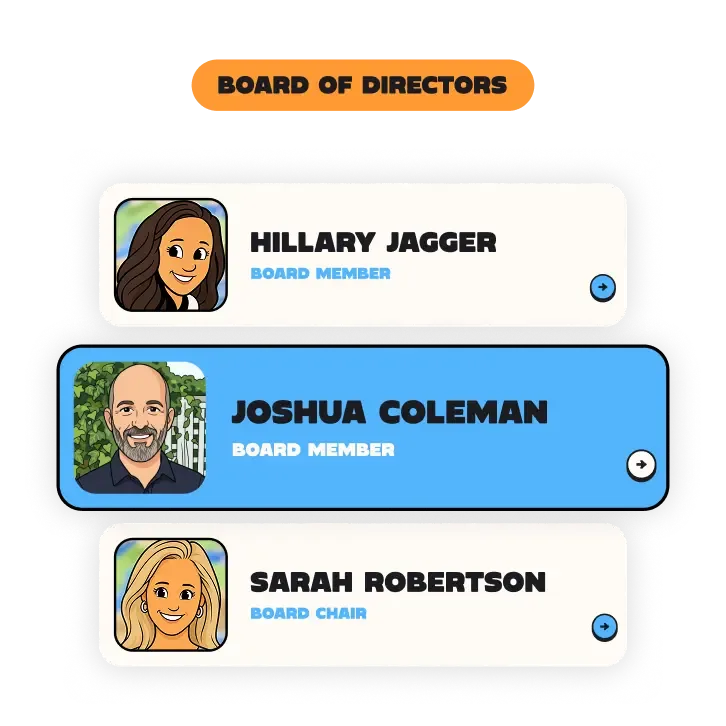
TSC Board

The engagement, start to finish. Drag the nodes around.

The system at a glance. Drag the nodes around.

Proven, fast, easy to maintain.

The two frontends never talk to the database directly. Everything goes through the platform API, which owns the business rules, or through the CMS, which owns the content.

Next.jsReactNestJSPayload CMSPostgreSQLNext.jsReactNestJSPayload CMSPostgreSQLNext.jsReactNestJSPayload CMSPostgreSQL
RedisStripeTwilioResendHLS videoRedisStripeTwilioResendHLS videoRedisStripeTwilioResendHLS video

Registration and the self-driving waitlist. Drag the nodes around.

Accounts built around families

One parent login manages the whole household. Kids are set up by date of birth, so they age up automatically and only see projects they are eligible for. A second guardian can share the account, and either parent can register themselves alongside their kids. It sounds simple. Getting it right is why families actually use the platform.

STEP 01

A project engine, not an events page

Standalone projects, weekly series that run by semester, and private projects shared only by link. Staff can schedule a project to go live for registration at an exact date and time, then watch a hundred people surge in at once without the system breaking a sweat. Volunteers browse by list or calendar and filter by neighborhood, age, cause, and day of the week.

STEP 02

Registration and waitlists that run themselves

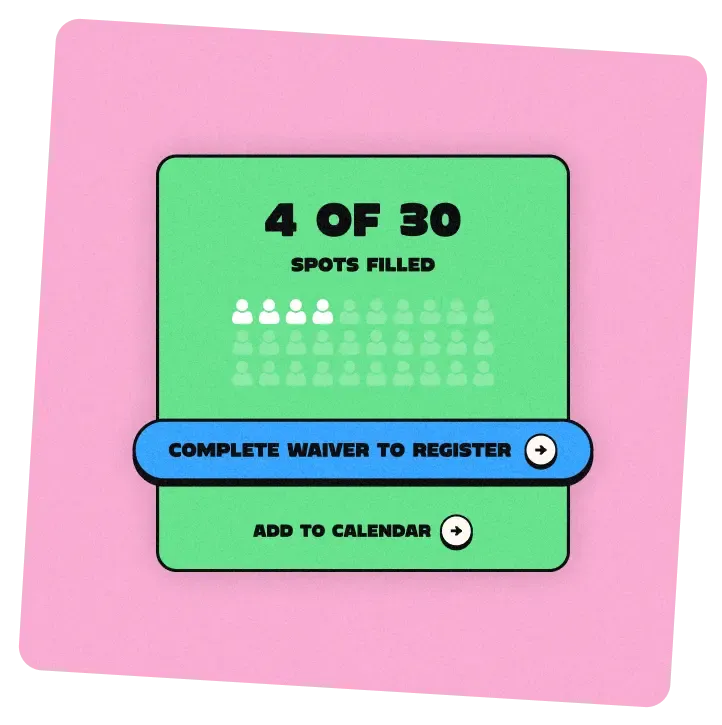
Sign up yourself, your kids, or the whole family in one flow. When a project fills, it flips to sold out and the waitlist takes over: a cancellation automatically promotes the next person in line and notifies them. Volunteers can see exactly where they stand. Staff check people in with QR codes and the hours land in reports on their own.

STEP 03

Waivers signed once, on a phone

The estimate scoped a simple click-to-accept waiver. We shipped the full version anyway: a real signature pad, a generated PDF, and secure storage with retrieval for staff. Parents sign once and it lives on the profile for good. Teens signing up on their own can send the waiver to a parent by text with one tap.

STEP 04

Donations woven into volunteering

A pay-what-you-want donation step sits right inside registration, with a clear option to skip it. A separate donate page handles one-time and recurring gifts, general fund or a specific cause. Receipts go out automatically, staff can track and refund from the console, and a returning donor's past giving shows up the moment they log in.

STEP 05

Messaging on every channel

Confirmations, reminders, and thank-yous go out by email and text, with timing and templates staff can adjust per project. The platform installs as an app on a phone and sends push notifications for urgent updates. Newsletter signups flow straight into Mailchimp. Every message respects opt-outs, because trust with families is the whole business.

STEP 06

A website the staff runs without us

The brief asked for almost zero reliance on a developer, and we took that literally. Staff edit every page, reorder and hide homepage sections, run announcement banners, search their image library by keyword, and even change the site's colors and button styles from the CMS. The brand belongs to them now, not to a template.

STEP 07

An admin console that answers questions

One place for rosters, attendance, donor history, and a searchable database of every volunteer and family. Staff send bulk email or text to a roster or a saved group, build custom reports, and export anything to CSV. A volunteer needs proof of hours for school? One click generates a verification letter on letterhead.

STEP 08

The extra mile

20
extra systems
259
user stories tested
57
in-app guides

COPPA safeguards, privacy and data retention controls, email and SMS opt-out handling, audit logging, and two-factor authentication for staff are all built into the core.

“Still can't believe all the exciting work. Cannot thank you enough… I’m so so happy. I’m blown away by this work. I can't believe how fast you guys are. This is wild.”
Amanda Jones, Executive Director
Related case studiesVIEW MORE

Cleared for next launch.

Thank you to the team for clearing the way, and to everyone who moved fast and held the bar. We're excited for what's next.

START MISSIONTHE [UN]AGENCY
Get answers fast
Copyright © SP-CE 2025
BACK TO TOP
NAME

hi, i'm Cleo, the SP-CE AI. ask me anything about our sprints, the services we run, pricing, or the work we've shipped.